Redesigning your website without losing search rankings
A practical checklist to protect your SEO when you relaunch or move to a new website.
By the AdPlus Services team
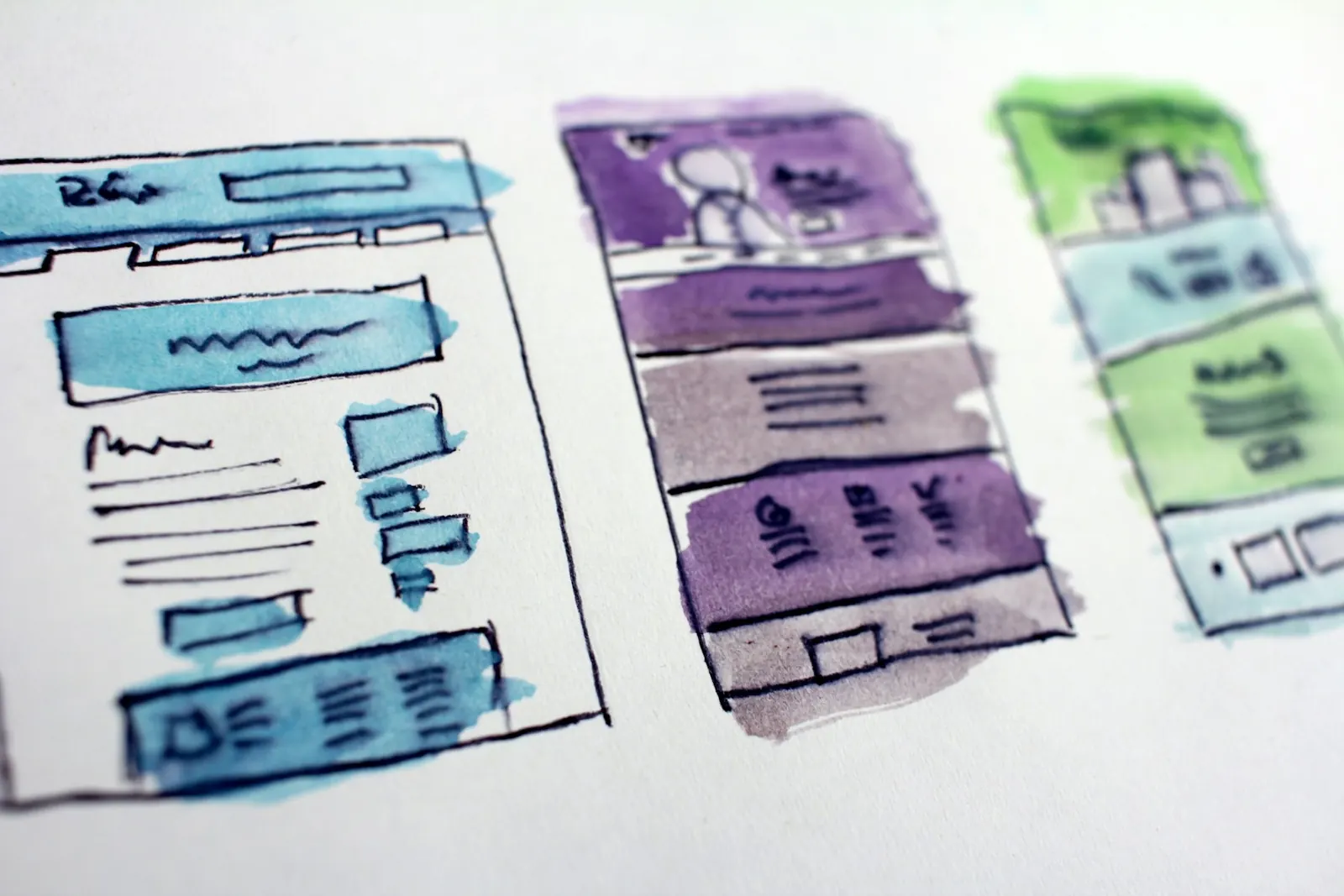
A new website should improve your results, but redesigns are one of the most common causes of sudden traffic drops. The good news is that most problems are avoidable with some planning.
Before the redesign: record what you have
- Crawl your current site and export every URL
- Note your top pages by organic traffic and conversions in Google Analytics and Search Console
- Record current rankings for important keywords
- Save page titles, meta descriptions and headings for key pages
Keep URLs where you can
If a URL works, keep it. Changing URLs isn't always a problem, but every change needs a redirect, and unnecessary changes add risk.
Map 301 redirects for every changed URL
Create a spreadsheet mapping each old URL to the most relevant new page. Use permanent 301 redirects, and avoid redirecting everything to the homepage. Test the redirects on staging before launch.
Don't lose valuable content
Pages that rank and bring traffic usually do so because of their content. When redesigning, keep the substance of those pages, even if you rewrite and restructure them. Removing large amounts of useful text can cause rankings to fall.
Carry over the technical basics
- Unique title tags and meta descriptions
- A logical heading structure with one H1 per page
- Image alt text
- Structured data such as Organization, Service and FAQ schema
- Canonical tags and an updated XML sitemap
Block the staging site from search engines
Protect the development site with a password or noindex tag so it doesn't compete with your live site. Then remember to remove that block when you launch. Forgetting this step is surprisingly common.
Launch day checks
- Confirm the site is indexable and robots.txt isn't blocking important pages
- Test a sample of redirects
- Submit the new sitemap in Search Console
- Check analytics and conversion tracking are recording
Monitor for the first few weeks
Watch Search Console for crawl errors and indexing issues, and compare traffic and rankings with your benchmarks. Some movement is normal after a relaunch. Steady declines on specific pages usually point to a missing redirect or lost content you can fix.